



Pay on the go with your phone or wearable
Add your PenFed cards to your device so you can start using it to pay for things quickly and securely in-store, in-app, or online.

Your PenFed card & your phone will change the way you pay.
Add your PenFed cards to your device so you can start using it to pay for things quickly and securely in-store, in-app, or online.
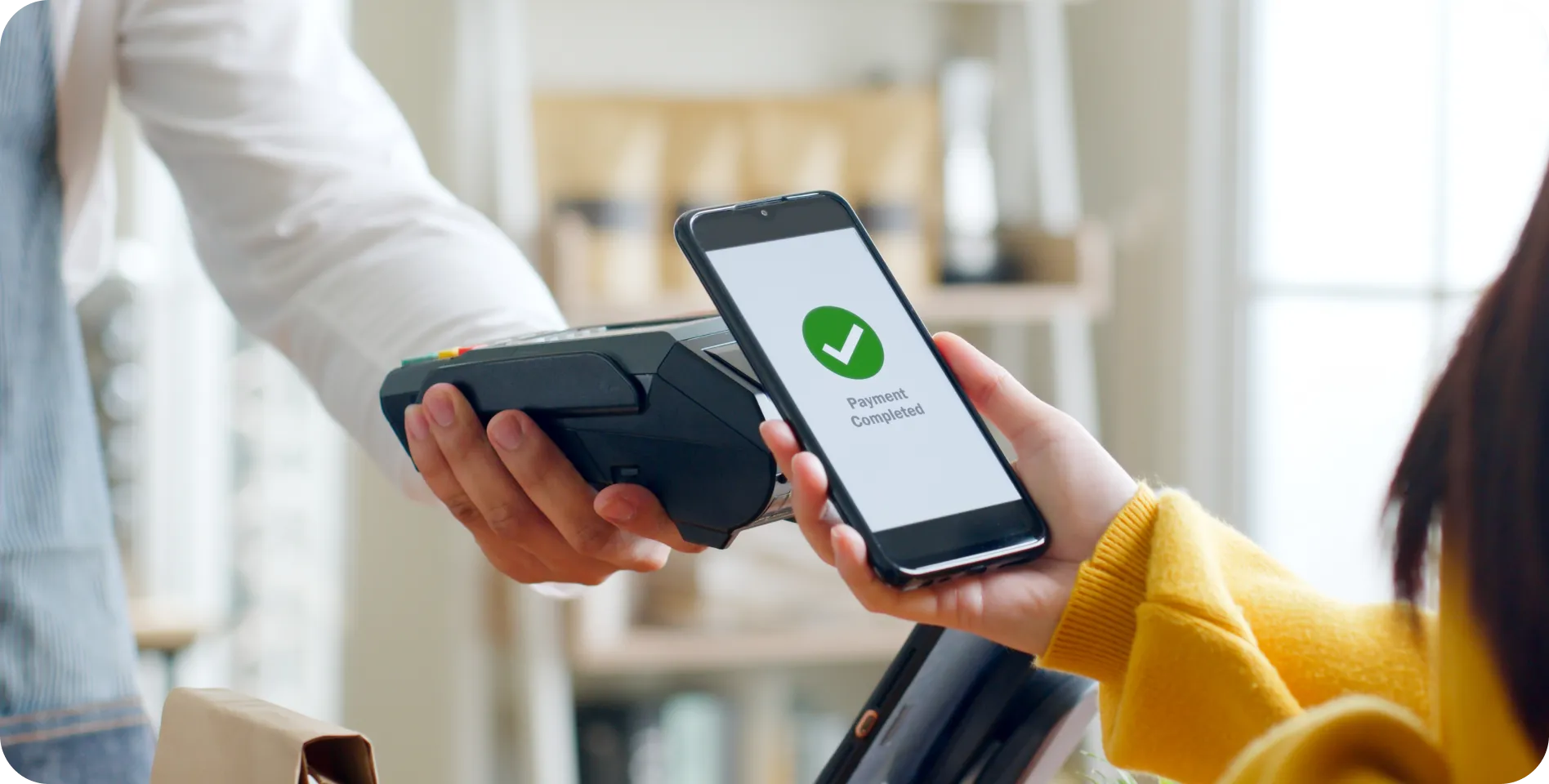
Upload your PenFed Visa® card to make purchases right from the convenience of your smartphone.

Add eligible cards to your digital wallet you’d like to use.
Access your digital wallet and choose your PenFed card when you check out at a participating business.
Receive payment confirmation on your device.
All PenFed credit or debit cards work with digital wallets. You may not always see the exact card image that matches your plastic card. That should not change the way you use and transact in your digital wallet.
Yes, but the number of cards you can add may vary by digital wallet.
You can add any eligible PenFed credit or debit cards, including cards that you may have already loaded, into multiple digital wallets.
Purchases made with your PenFed credit or debit cards have Visa’s Zero-Liability* Protection for any unauthorized card transactions. This means that you will not pay for any unauthorized transactions as long as they are reported promptly. Certain limitations apply. Please see your cardholder or membership agreement for complete details.
If your card has been lost, stolen, or damaged, contact us immediately on the PenFed customer support number available in your wallet or by logging into PenFed Online and going to your credit card account. Go to Help for call center hours, our international phone number, chat help, or to submit a servicing form 24/7.